Source stays local
Your project, dependencies, and build commands remain with you and your coding agent.
Describe the website you want. Small Site gives your coding agent the exact build and publishing instructions, then puts the finished site online without hosting setup.
No repository connection · no server setup · no deployment pipeline
A warm one-page website for my neighborhood bakery.
Builds the complete site from one exact prompt.
juniper-bakery.app.rw0.io
Published and ready to share.
Small Site handles the publishing rules between step two and step three.
START HERE
You do not need to choose a framework, configure a server, or learn a deployment platform. Tell us what the website should do.
Your idea stays in this browser.
A versioned static-site contract, compatible project structure, accessibility target, packaging limits, and exact validation and publishing steps.
Your agent builds locally. Small Site never runs the source project or installs its dependencies.
Already have the finished files? Check your ZIP free
THE WHOLE WORKFLOW
The technical boundary stays strict. The experience does not need to feel technical.
Start with the audience, content, and action you want visitors to take.
Your coding agent receives the creative brief and every publishing requirement together.
Small Site validates the output and creates an immutable release at a stable URL.
SIMPLE ON THE SURFACE
The easy path works because Small Site keeps the publishing boundary narrow and predictable.
Your project, dependencies, and build commands remain with you and your coding agent.
Small Site accepts bounded static output instead of trying to run an arbitrary application.
Structure, limits, declared network access, and the static boundary are checked before publishing.
Every release is immutable, with history and one-action rollback in the dashboard.
LIVE ON SMALL SITE
Different ideas, the same simple finish: ordinary static files published at a stable public URL.
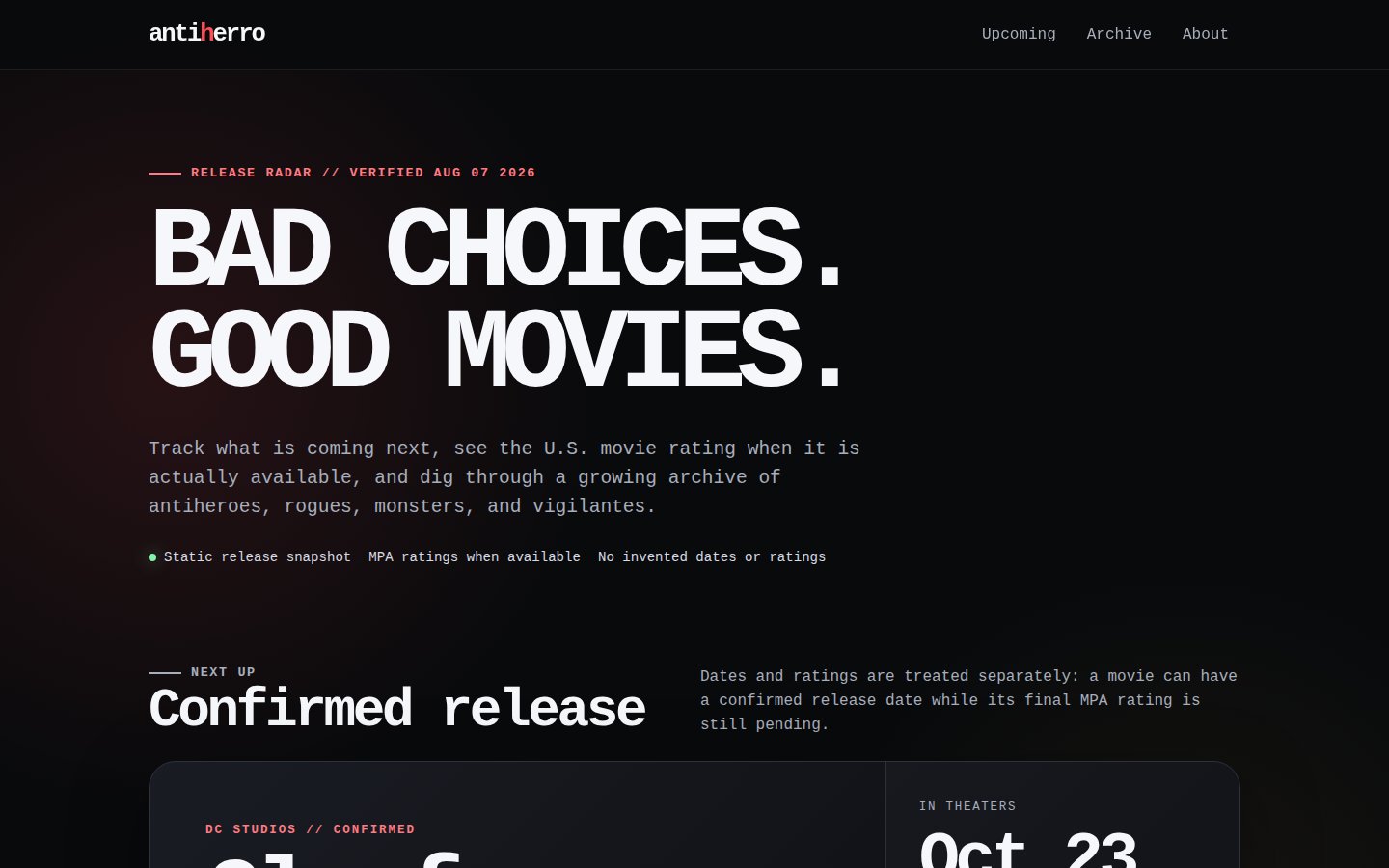
Upcoming antihero movie dates, verified ratings, and an archive built for curious film fans.
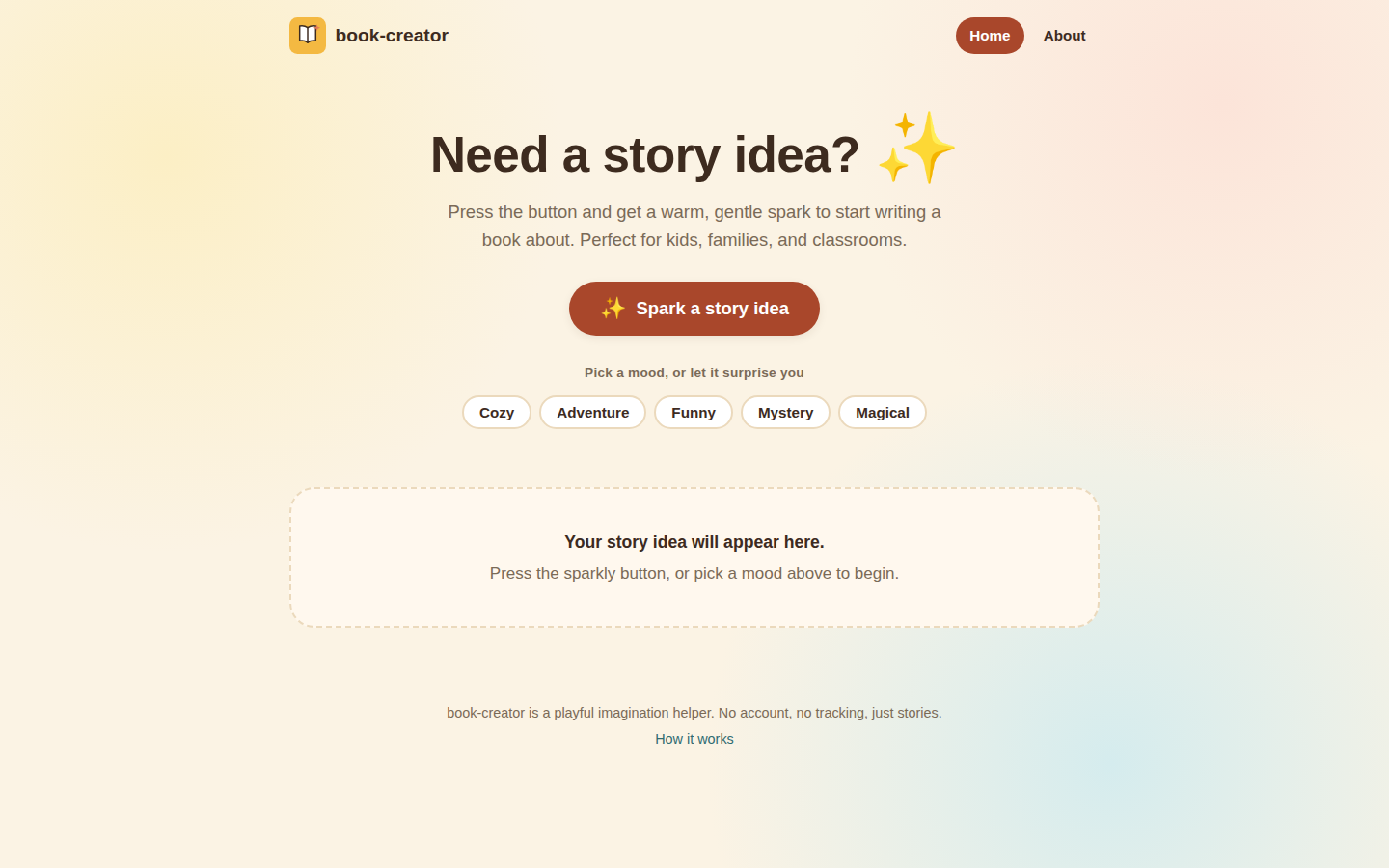
A warm, kid-friendly idea generator that gives young writers a gentle spark for their next story.
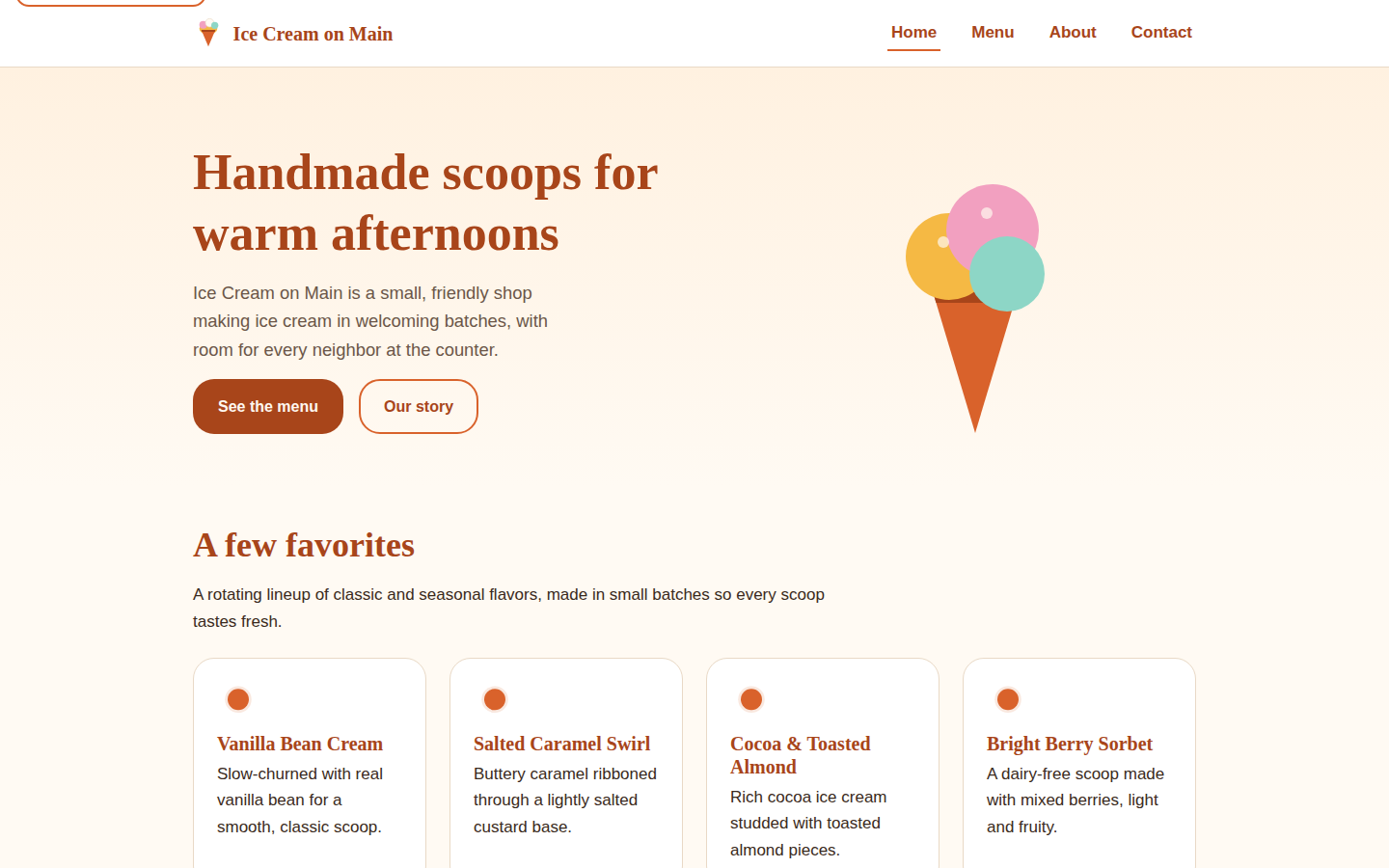
A welcoming neighborhood shop site with its menu, story, contact details, and handmade-scoop personality.
ALREADY BUILT SOMETHING?
If your coding agent already made the site, use the free checker to see whether its finished files are ready for Small Site.
A DELIBERATE BOUNDARY
FOUNDING BETA
Small Site is open to an initial capacity of 25 paid founding-beta customers. Publish up to three active static sites without learning another infrastructure stack.
Keep the beta price while this exact subscription remains continuously active. New subscriptions after beta are expected to be $19 USD/month.
WHEN YOU WANT AUTOMATION
Start in the browser. Later, the CLI and four-tool MCP workflow can let your coding agent call small_site_check, small_site_publish, small_site_status, and small_site_list from the project folder. Rollback is available in the dashboard, not through MCP.
YOUR IDEA IS ENOUGH
Start with one sentence. Small Site will add the publishing rules.
Build my site prompt